
DataTug Perimeter
Set a perimeter for your AI agents.
Let an agent work with your databases without handing it the keys. Perimeter is being built to decide what it may read, hide what it must not see and ask you before anything changes.
Evolving fast
Paste this into your AI agent:
Read https://datatug.ai/install-perimeter.md and follow it to set up DataTug Perimeter for me. Ask me before you install anything or change any settings.
Read the guide your agent gets Tested with Claude Code; works with any agent that can read a web page. The guide tells your agent to ask before every change and never to ask for database passwords.
Three controls between an agent and your data.
Each says what works today and what is still ahead.
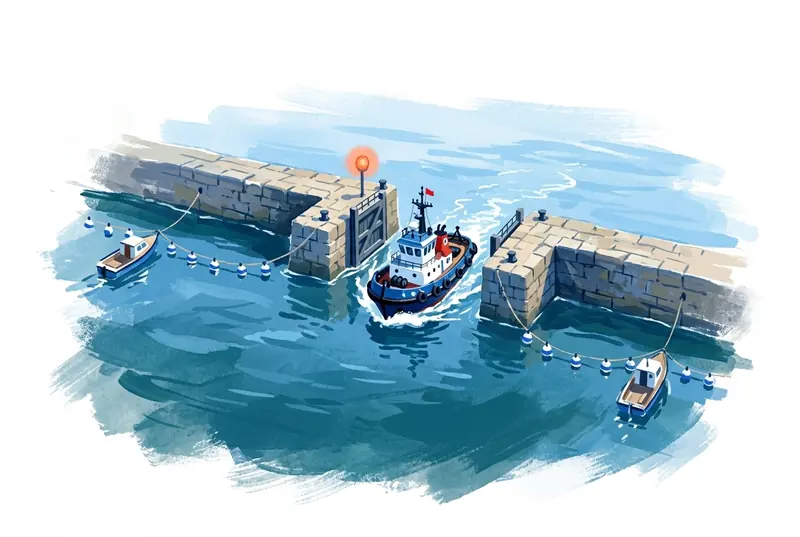
Control access
Decide which databases, tables, rows and fields an agent may read. Today: read-only by default, and access policies in local files that
datatug query runapplies before it reads a row; a policy can deny everything its rules do not allow.Access policiesAvailable

Mask sensitive fields
Emails, phone numbers, tokens and other sensitive values are to be masked before they reach the agent, so they never enter its context or its model provider. Today a local policy can leave fields out with a field allow-list.
Meaning-driven masking on the serverPlanned

Approve changes
An agent will ask for one specific change, with its reason and a time limit. You approve it, and only that operation runs. Agents cannot write through DataTug today.
Agent changes you approvePlanned
A customer cannot log in. How an agent will fix it inside the perimeter.
An example of where Perimeter is going, not a recording of a real run. Masking, scoped approval and the audit record are planned.

You ask the agent
Customer 4182 says they cannot sign in. Find out why.
It reads within its scope
It may read the accounts table, and only the row for that customer.
datatug query run --db datatug://shop/crm --from accounts --as support-agent --role supportAccess policiesAvailable
Sensitive values arrive masked
It sees the account was locked after five failed attempts. The email and phone number reach it masked.
email: j•••@•••.com · phone: +1 ••• ••• ••42 · failed_logins: 5 · locked: trueMeaning-driven masking on the serverPlanned
It asks for one change
Unlock account 4182: one row, one field, for 15 minutes, with its reason.
UPDATE accounts SET locked = false WHERE id = 4182 · 15 minAgent changes you approvePlanned
You approve
You see exactly what will change and why, and approve it.
Agent changes you approvePlanned
Only that operation runs
The unlock runs. Anything else the agent tries is refused.
UPDATE 1 · DELETE accounts → DENIEDAgent changes you approvePlanned
It is on record
Who asked, who approved, what ran and when, in one audit record.
audit: ag-support → request #17 → approved → UPDATE accounts #4182 → 1 rowAudit trail merged with provenancePlanned
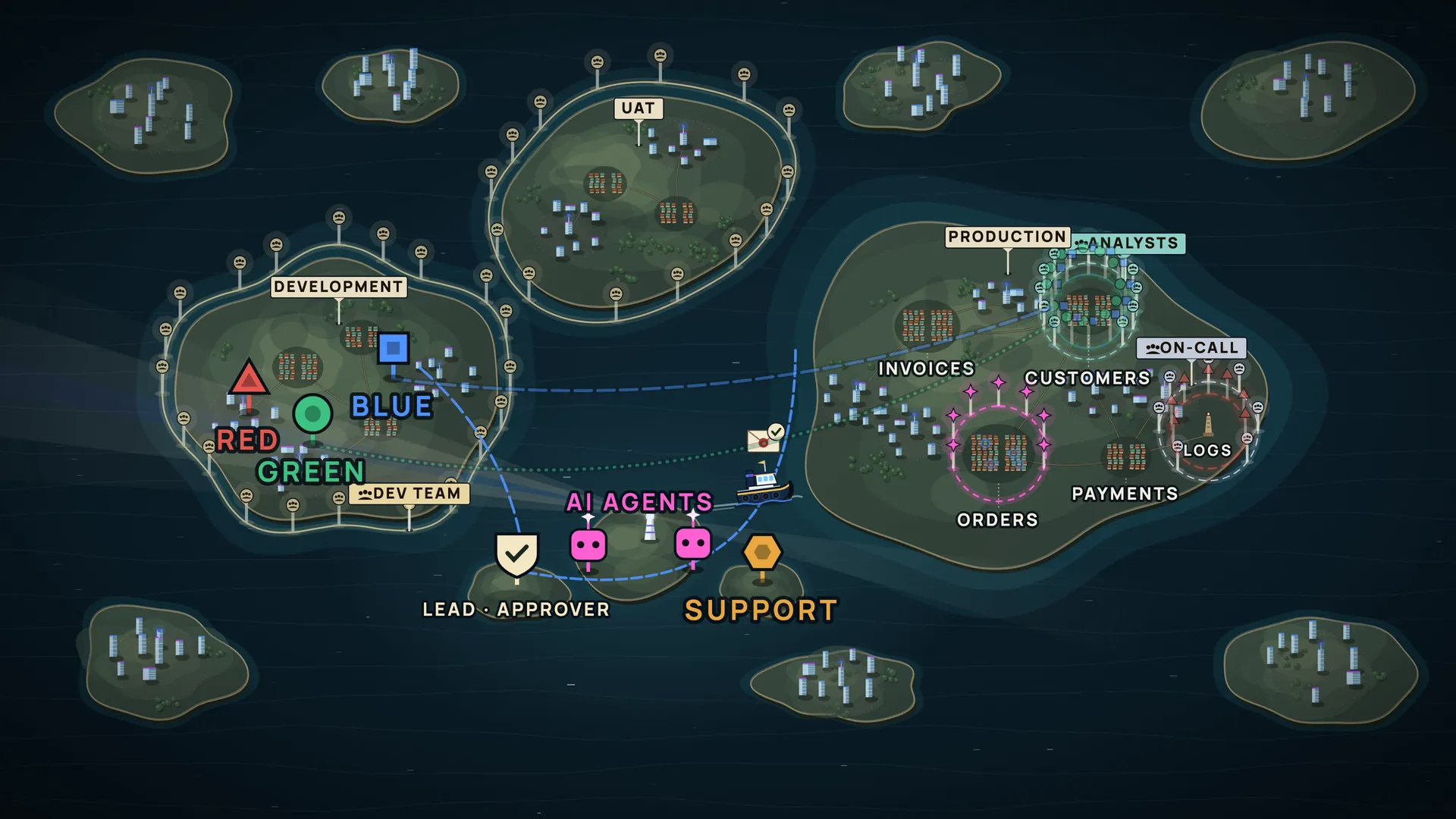
What Perimeter can promise, and what it cannot.
Local DataTug is not offline AI
DataTug runs on your machine, next to your data. Your agent's model may not: what the agent reads goes to its model provider, unless you run a local model.
Masking has to happen before the agent
Once a value is in an agent's context, nothing can take it back. That is why Perimeter is designed to mask on the way to the agent, not after.
It holds only if the agent cannot go around it
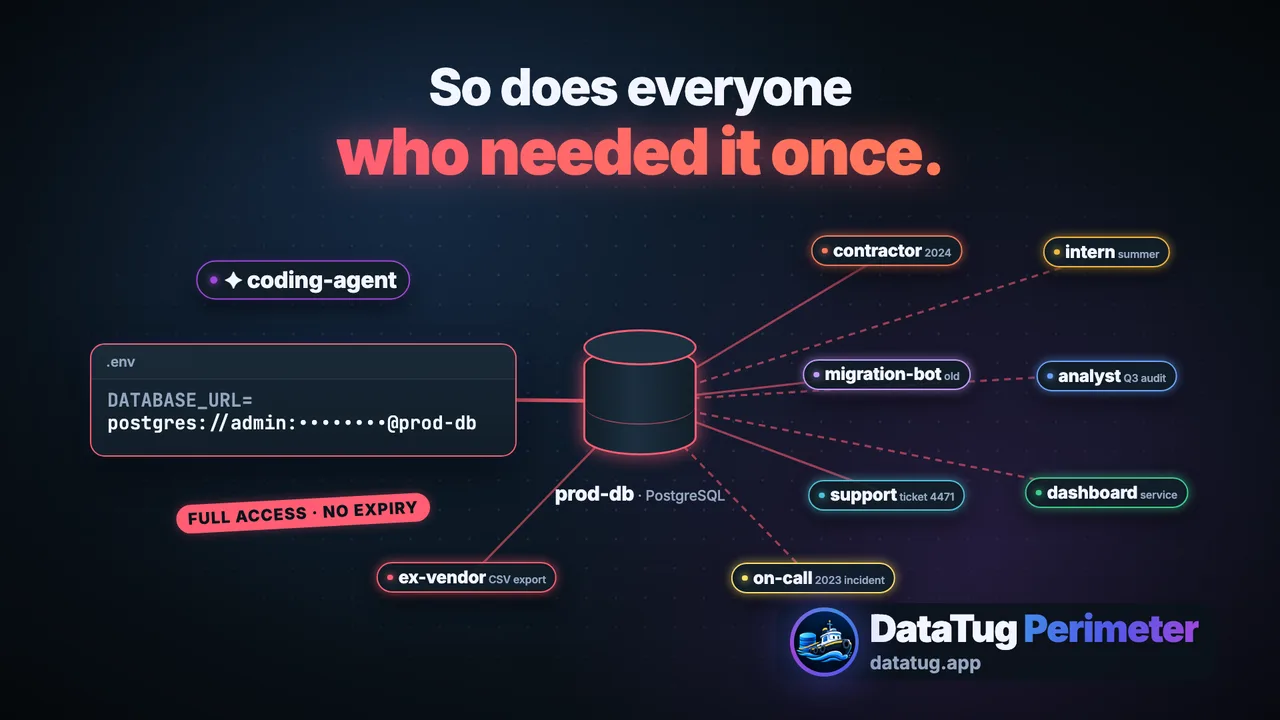
If the agent also has the database password, a connection string in its environment or another route to the data, Perimeter cannot stop it. Give your agent DataTug, not your credentials.
What works today
Read-only access by default, an exact-table read allowlist and local access policies that the CLI applies itself. Those policies keep an honest agent within bounds; they are not a boundary against an agent that can run other commands.
Start with one database. Keep the keys.
Your agent sets up the DataTug CLI and skills, explains what Perimeter can do on your machine today, and asks before every change.
Paste this into your AI agent:
Read https://datatug.ai/install-perimeter.md and follow it to set up DataTug Perimeter for me. Ask me before you install anything or change any settings.
Read the guide your agent gets Tested with Claude Code; works with any agent that can read a web page. The guide tells your agent to ask before every change and never to ask for database passwords.